
What Is a Rockland County Court Docket
A docket is a chronological list of the filings and court events in a single case. Each line, called a docket entry, marks something that happened: a complaint filed, a motion made, an order signed, or a hearing set. The docket gives the date, the type of event, and often the party who acted. It works like a table of contents for the case. You can scan it to see how far a matter has moved and what is scheduled next. A related term is the calendar, which is the schedule of upcoming court appearances by date and part.
A docket is not the same as the full case record. The full record holds the actual documents: the pleadings, exhibits, motions, and signed orders. The docket just names those events and lists the dates. In Rockland County, civil dockets and calendars come from the Supreme Court tools, while criminal calendars come from the criminal search system. Family and Surrogate's Court matters have far tighter limits, so their calendar data is mostly closed to the public.
People use dockets in different ways. A party wants to know the next hearing date. An attorney checks whether a motion has been decided. A reporter or researcher follows a case as it moves through the court. Because a docket is short and dated, it answers those questions fast without the cost of pulling full documents. For Rockland Supreme Court civil cases, the calendar can be searched by county, justice, and part, which helps narrow a busy court day to the right courtroom.
How to Find Rockland County Dockets Online
The state runs free calendar tools through the Unified Court System. For civil Supreme Court matters, WebCivil Supreme offers court calendars, attorney calendars, and eTrack, a service that emails you updates as a case moves. For criminal matters, the WebCriminal court calendar shows future appearances by court, part, and judge. Both are searchable for Rockland County Court and Rockland Supreme Court. To pull a criminal calendar, you must pick a court and a date range, then narrow by part or judge.
The official WebCriminal court calendar screen is where you set the court, the dates, and the part, and you can open it at the WebCriminal court calendar.
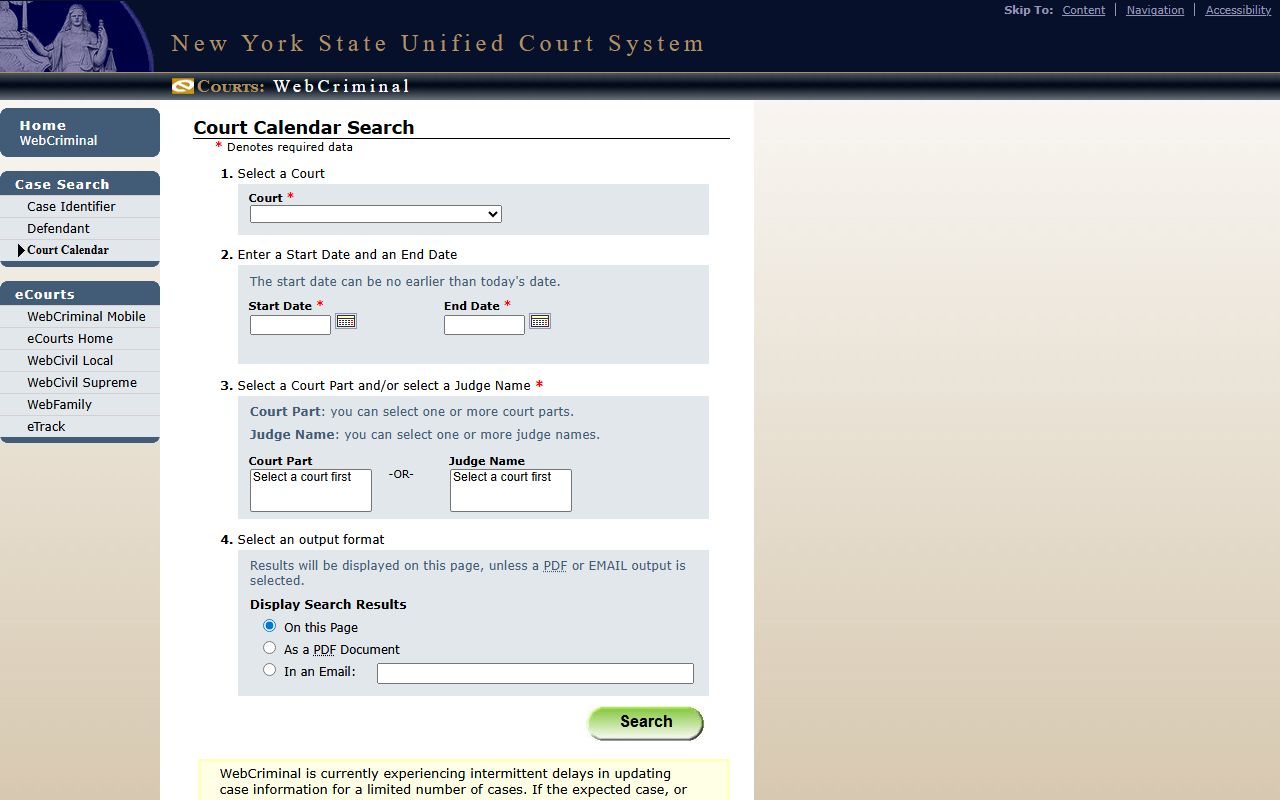
This calendar search returns future Rockland County court dockets for criminal matters by date range and court part.
- Open the calendar tool that fits the case, WebCivil for civil and WebCriminal for criminal.
- Pick the court, choosing Rockland County Court or Rockland Supreme Court.
- Set the date range. The start date can be no earlier than today, since the criminal calendar shows future dates only.
- Narrow the search by court part or judge, then choose to display on the page, save a PDF, or email the result.
WebCriminal Court Calendar Search Fields
The WebCriminal court calendar has a small set of fields, but the order matters. You must select a court before the part and judge lists fill in. The date range is required, and the start date cannot be in the past. Output can be shown on screen, saved as a PDF, or emailed to an address you supply. The table below lists each field and what it expects.
| Field | What It Shows |
|---|---|
| Court | Required; select a court such as Rockland County Court or Rockland Supreme Court. |
| Start Date | Required; can be no earlier than today's date. |
| End Date | Required; sets the far end of the future date range. |
| Court Part | Select one or more parts; requires a court selection first. |
| Judge | Select one or more judges; requires a court selection first. |
| Output | Display on the page, save as PDF, or email with an address. |
The official system posts a notice that WebCriminal sometimes has delays in updating case data for a limited number of cases. If a case or its details do not appear, the page advises running the search again later.
WebCivil adds tools that go beyond a single calendar pull. It has a court calendar search, an attorney or firm calendar, a document search, and eTrack. eTrack lets you follow a case and get email updates as new events post. That turns the docket into a live feed rather than a one-time check. For e-filed papers, the County Clerk advises cross-referencing court records with NYSCEF, the state electronic filing system, because the document images live there.
Courts That Publish Rockland County Dockets
Not every Rockland court posts dockets the same way. Civil Supreme Court calendars are the most open. Criminal calendars are public through WebCriminal but show future dates only. Family Court and Surrogate's Court keep most calendar detail closed, since their cases involve children, estates, and sensitive matters. Town and village justice courts handle their own calendars locally and rarely post a searchable docket online. So the courts that publish the most usable docket data are the civil and criminal trial courts.
- Rockland Supreme Court, civil calendars and attorney calendars through WebCivil, plus eTrack alerts.
- Rockland County Court, criminal calendars through the WebCriminal court calendar.
- Family Court, limited WebFamily access bound by confidentiality rules.
- Surrogate's Court, file lookups through WebSurrogate rather than open calendars.
- Town and village justice courts, local calendars handled court by court.
Free third-party sites also collect some New York dockets and opinions. You can browse free federal and state docket data at CourtListener, though it does not replace the official court tools.
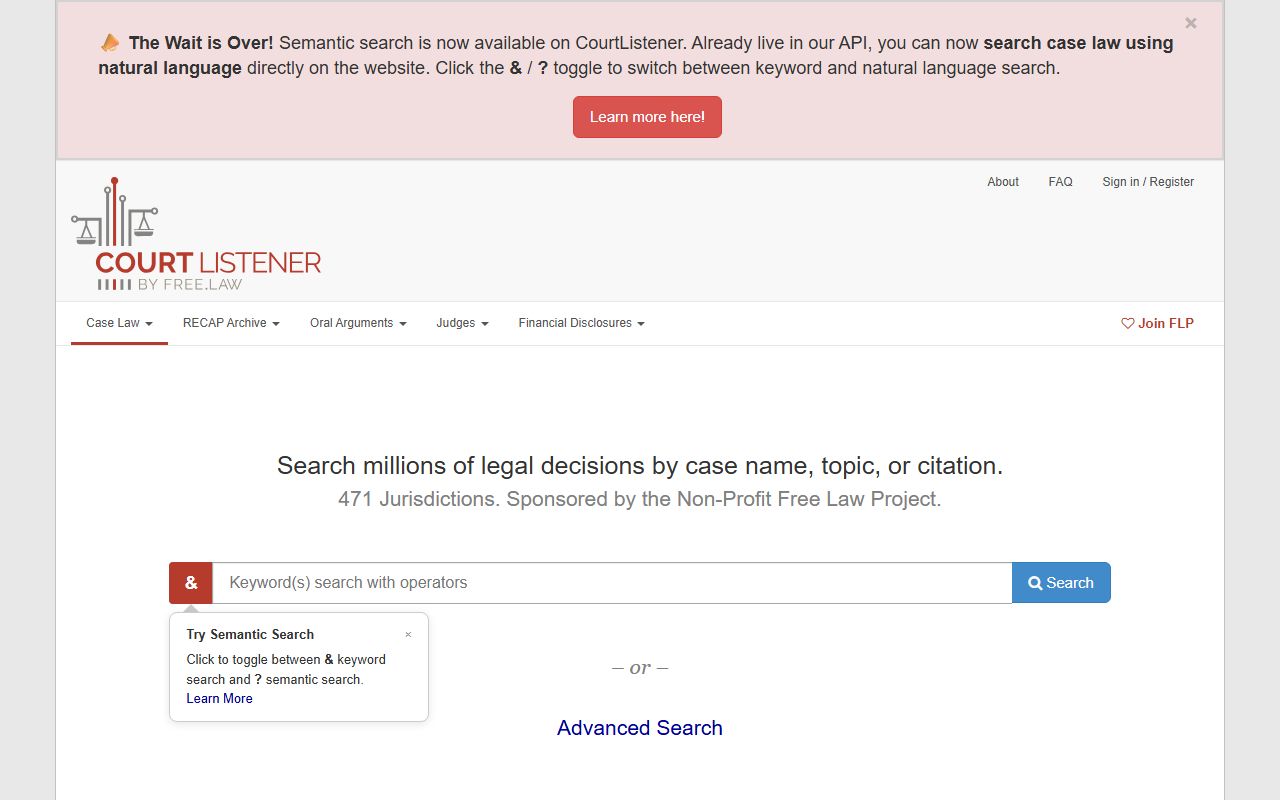
CourtListener can supplement official Rockland County court dockets but should be cross-checked against the state systems.
Docket vs. Full Case Record
The docket and the full case record serve two different needs. A docket lists what happened and when. A full case record holds the documents themselves, the motions, exhibits, and signed orders that the docket entries point to. If you only need to know the next court date or whether a motion was decided, the docket is enough. If you need the actual text of an order or a pleading, you must pull the full file through the County Clerk eSearch portal, NYSCEF, or in person at the courthouse.
| Docket | Full Case Record | |
|---|---|---|
| Format | List of dated entries and events | Full documents and signed orders |
| Access | Often online and free through state calendars | May need eSearch, NYSCEF, a fee, or a visit |
| Use | Track case progress and court dates | Read pleadings, orders, and evidence |
Older Rockland files split by location. Court files commenced in roughly the last six years stay at the County Clerk's Office at the courthouse. Files older than that move to the County Archives in Pomona. A docket entry can point you to a case from years ago, but the full paper file may sit at the Archives. To view it, you fill out a File Request Card, and the file can be read only on site.
Note: A docket tells you a motion was filed; the full case record holds the motion papers and the judge's signed order.
Family and Surrogate's Court Calendar Limits
Family Court calendars are not open the way civil calendars are. Cases there involve custody, support, paternity, abuse, and juvenile delinquency. New York law keeps most of that material confidential, so only parties and attorneys of record get broad access. WebFamily is linked from the Rockland Family Court page, but public output is limited. Surrogate's Court works through file lookups in WebSurrogate rather than a public calendar, and some estate files stay restricted.
The state offers public guidance on what Family Court material is open and what is closed, which you can review on the Family Court records page.
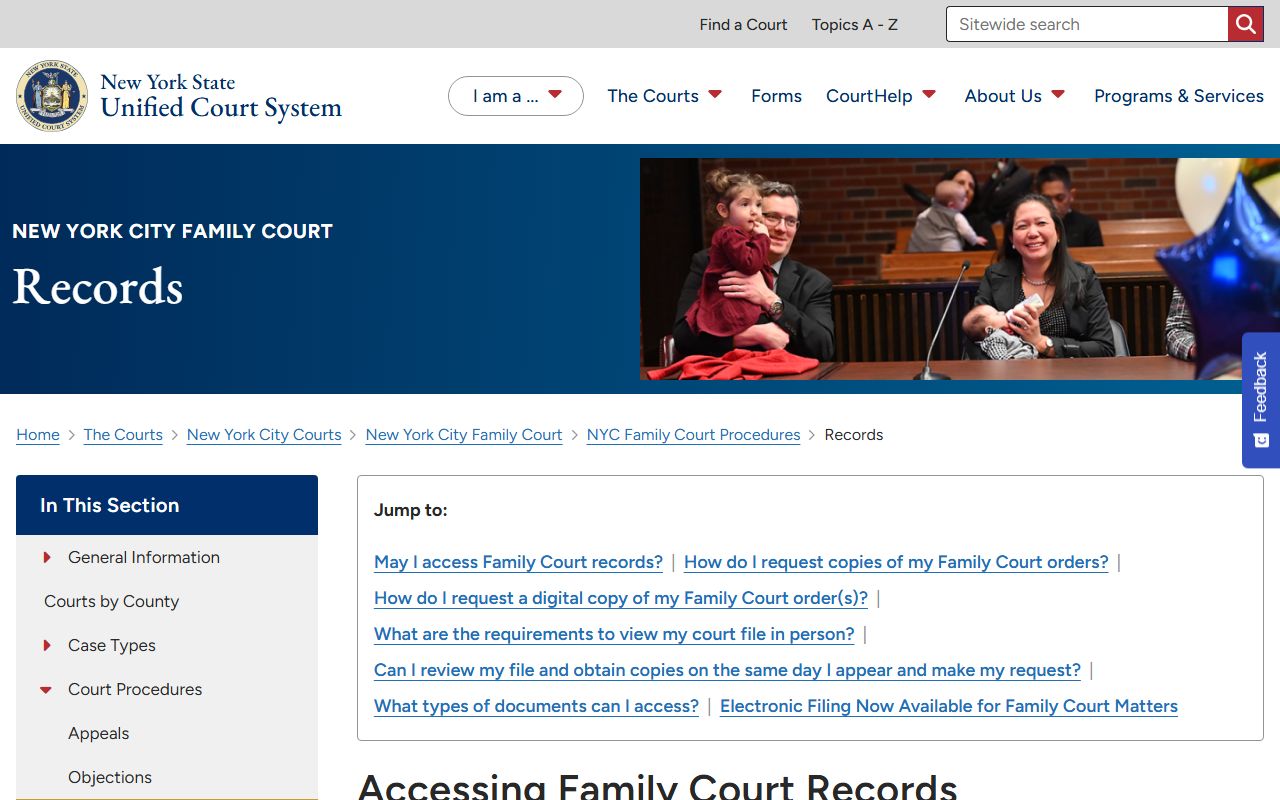
This guidance explains why Family Court dockets in Rockland County stay closed to general public searches.
How to Read a Rockland County Docket
Docket entries use short labels. A motion is a written request for a court order. An order is the judge's signed directive. A disposition is the outcome of a case or charge. The status field shows whether a case is open or closed; WebCivil marks active and restored cases as Open. A part is the courtroom or assignment unit, and the calendar lists which part hears the case and when. An RJI, or Request for Judicial Intervention, is the entry that assigns a Supreme Court case to a judge.
Criminal dockets add their own terms. An arraignment is the first appearance where charges are read. An indictment is a grand jury's felony accusation. A plea is the defendant's formal response, and a sentence is the punishment after conviction. If a docket shows a sealed status, the case ended in a way that limits public access under state sealing law.
Town and village justice court dockets follow a different path. Small claims under $3,000 and all landlord-tenant disputes are handled by the towns and villages, not the County Clerk. Traffic tickets and local violations also sit in those local courts. Each town or village court keeps its own calendar, so there is no single online docket for them. To check one of those matters, you contact the specific justice court that handles the case.